Every alert the car has
Active and past ones, per module, with descriptions and timestamps. You see what happened and when.
Plain-language descriptions for 18,667 codes
Alerts explained in plain words, service procedures, maps and firmware — from your laptop or phone.
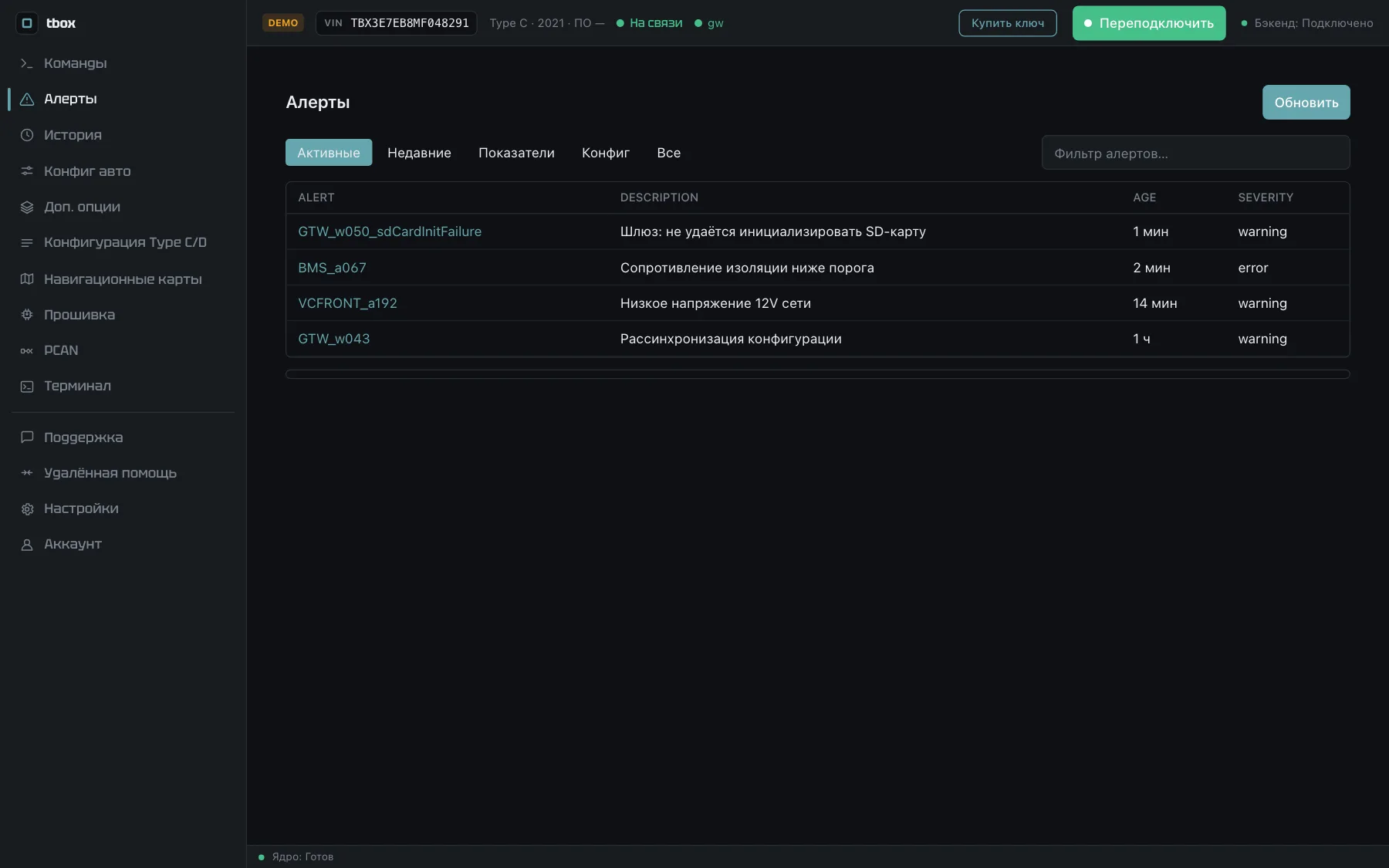
The four screens people buy a key for.
Active and past ones, per module, with descriptions and timestamps. You see what happened and when.
Plain-language descriptions for 18,667 codes

Window calibration, service mode, contactor test, cell balancing, diagnostic port.
Progress is visible while it runs

Real capacity against factory, cell imbalance, isolation resistance, mileage deviation.
Worth running before buying a used car

CID, APE and APE-B: which nodes answer, whose certificate expired, where the handshake fails.
A common reason the car «loses the network»
18,667 codes with descriptions, triggering conditions and consequences. Free to search, no account needed.
Runs in the browser: the same screens, procedures with real progress, a made-up car.
The key arrives by email right after payment. It works on one computer and one phone.
One job on your own car: read the alerts, run a procedure, check the battery before buying.
When the job drags on: waiting for a part, working evenings, checking several cars.
For people working on cars all the time: a shop, imports, getting cars ready for sale.
Card payment via Stripe. The key goes to the email you enter.
Promo code is entered on the Stripe payment page.
Payment questions: @tbox_mobile_bot
Current maps instead of the factory ones. Over-the-air updates do not touch them.
Module firmware by a chosen scenario — the work a dealer usually will not do for a private owner.
Version 6.0.6. Free to install — the key is what lets you work with a car. The demo opens without a key.
The app updates itself while the key is active — no need to download again.
A laptop or phone, a cable, and fifteen minutes. Support will confirm compatibility and the cable.
Download the build and enter your key on first launch.
In the Ethernet adapter settings set the address 192.168.90.125 and mask 255.255.255.0, leave the gateway empty. Once.
Plug the cable into the diagnostic port — the car is detected on its own.
For repair shops
Your customer opens Tbox and reads out a number and a PIN. You type them in and work on their car from your own copy.
Taps «Need a specialist?». The app shows a number and a PIN. No key needed on their side.
In your own Tbox, on the Remote assistance tab. Connecting takes seconds.
Alerts, procedures, history — as if the car were in your shop. Every step goes into the session log.